
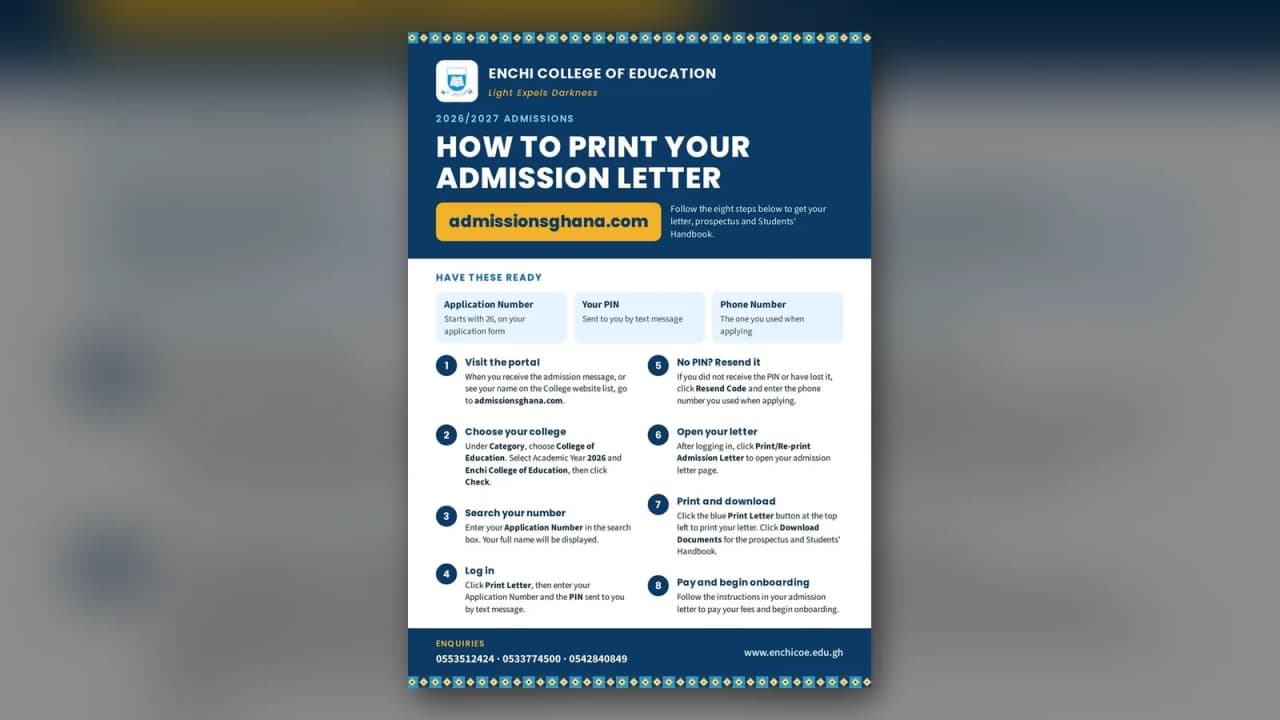
Follow the eight steps below on admissionsghana.com to get your admission letter, prospectus and Students' Handbook.
Have these ready
- Application Number — starts with 26, on your application form.
- Your PIN — sent to you by text message.
- Phone Number — the one you used when applying.
Steps
- Visit the portal. When you receive the admission message, or see your name on the college website list, go to admissionsghana.com.
- Choose your college. Under Category, choose College of Education. Select Academic Year 2026 and Enchi College of Education, then click Check.
- Search your number. Enter your Application Number in the search box. Your full name will be displayed.
- Log in. Click Print Letter, then enter your Application Number and the PIN sent to you by text message.
- No PIN? Resend it. If you did not receive the PIN or have lost it, click Resend Code and enter the phone number you used when applying.
- Open your letter. After logging in, click Print/Re-print Admission Letter to open your admission letter page.
- Print and download. Click the blue Print Letter button at the top left to print your letter. Click Download Documents for the prospectus and Students' Handbook.
- Pay and begin onboarding. Follow the instructions in your admission letter to pay your fees and begin onboarding.
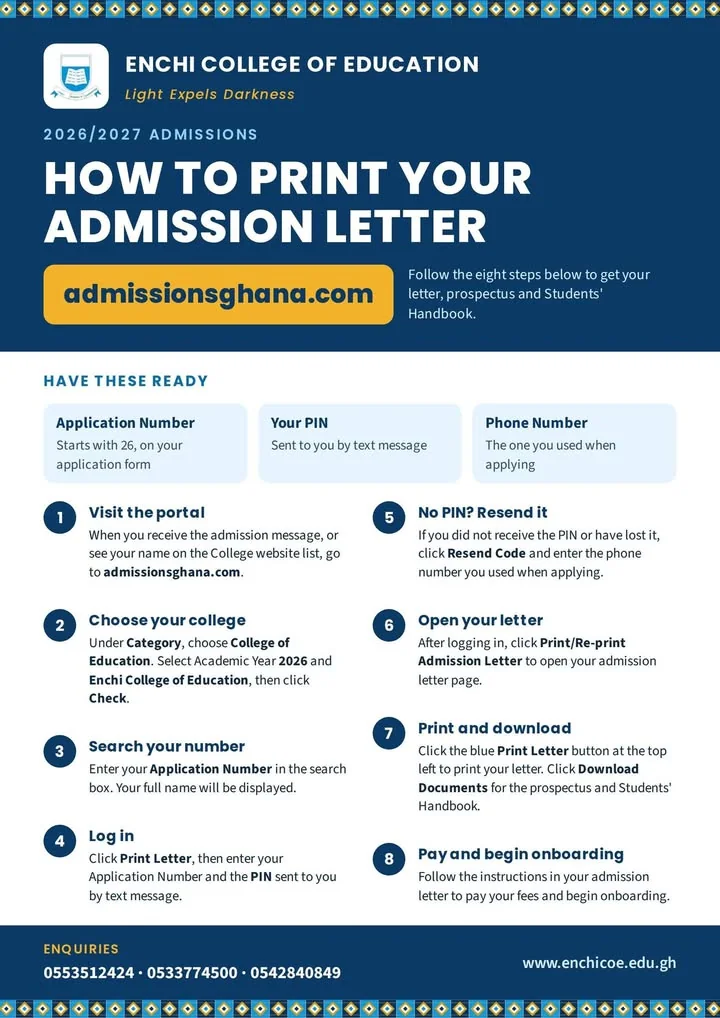
Enquiries: 0553512424 · 0533774500 · 0542840849